Free printable paper, drawn to your size
Make lined, graph, dot grid, isometric and other paper with exactly the spacing, size and colours you want. Print it straight away or save it as a PDF. No sign-up.
- 8 paper sizes
- PDF, PNG and SVG
- Works on phones
Pick a paper
Ten generators, each with presets for the most common versions and full control over the details.
 Lined paperWide, college and narrow ruled, with optional margin lines.
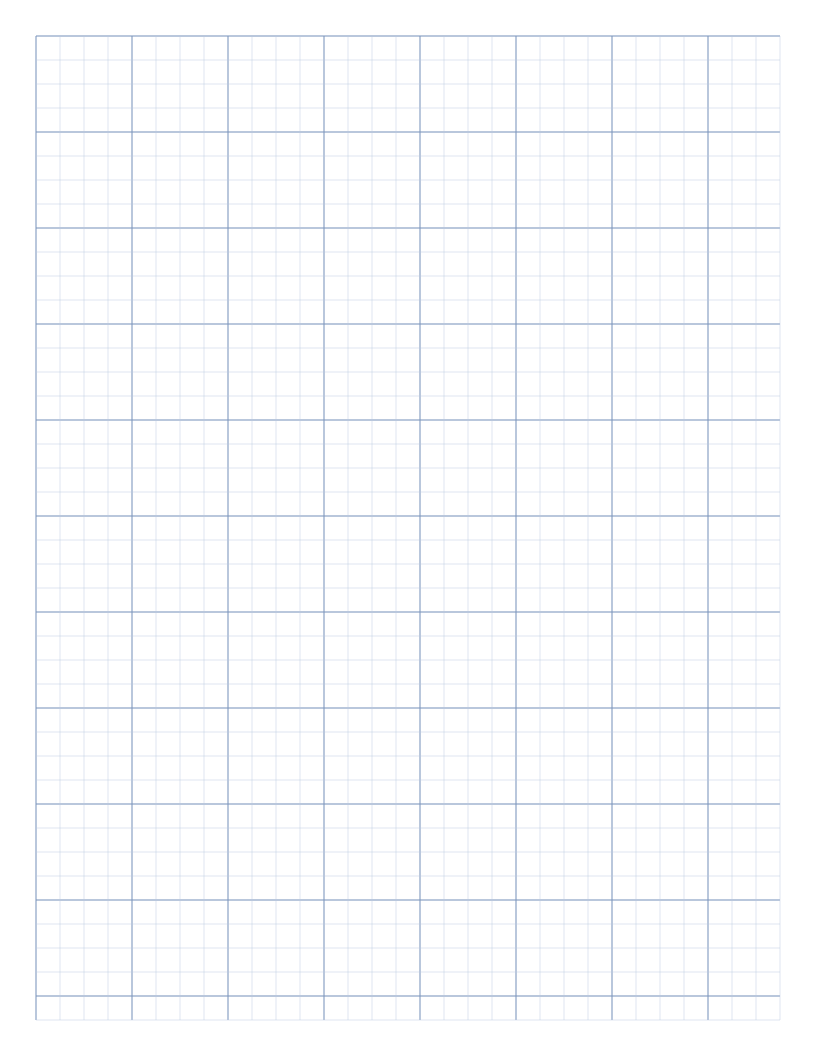 Graph paperAny square size from 1 mm to 5 cm, with optional axes.
 Dot grid paperLight dotted guides for journals, sketches and lettering.
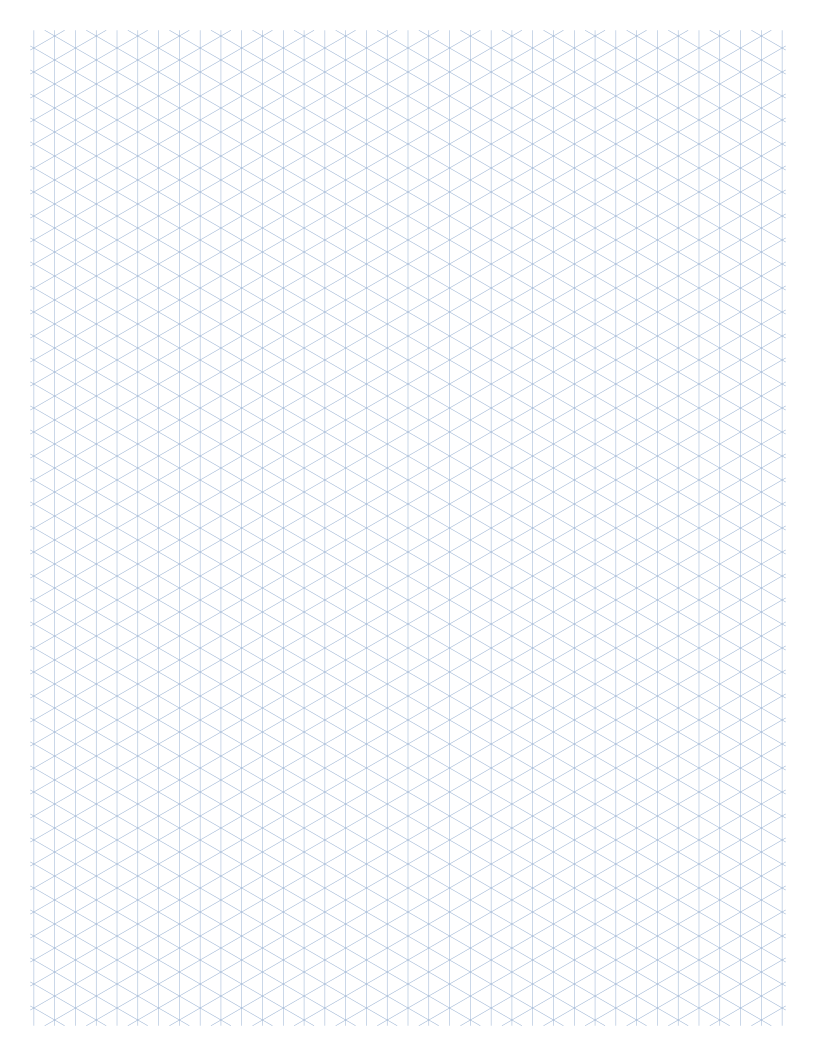 Isometric paperTriangle grid or dots for 3D drawings and technical sketches.
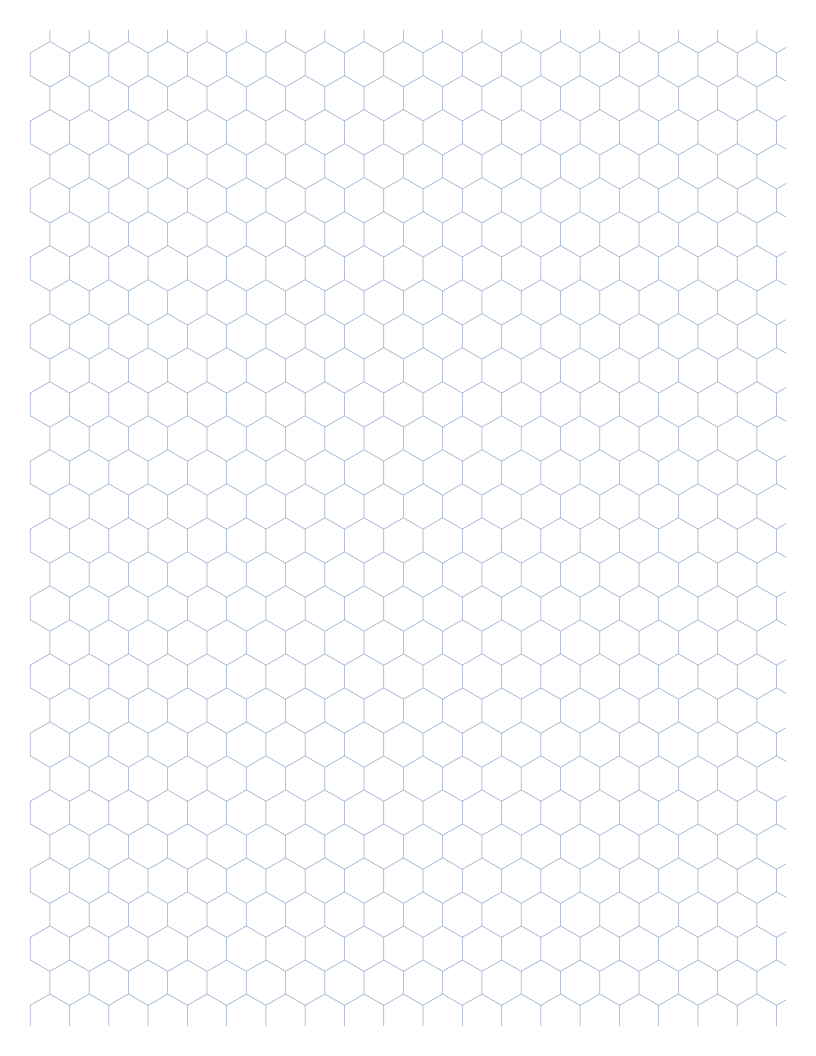 Hexagon paperHoneycomb grid for chemistry, game maps and patterns.
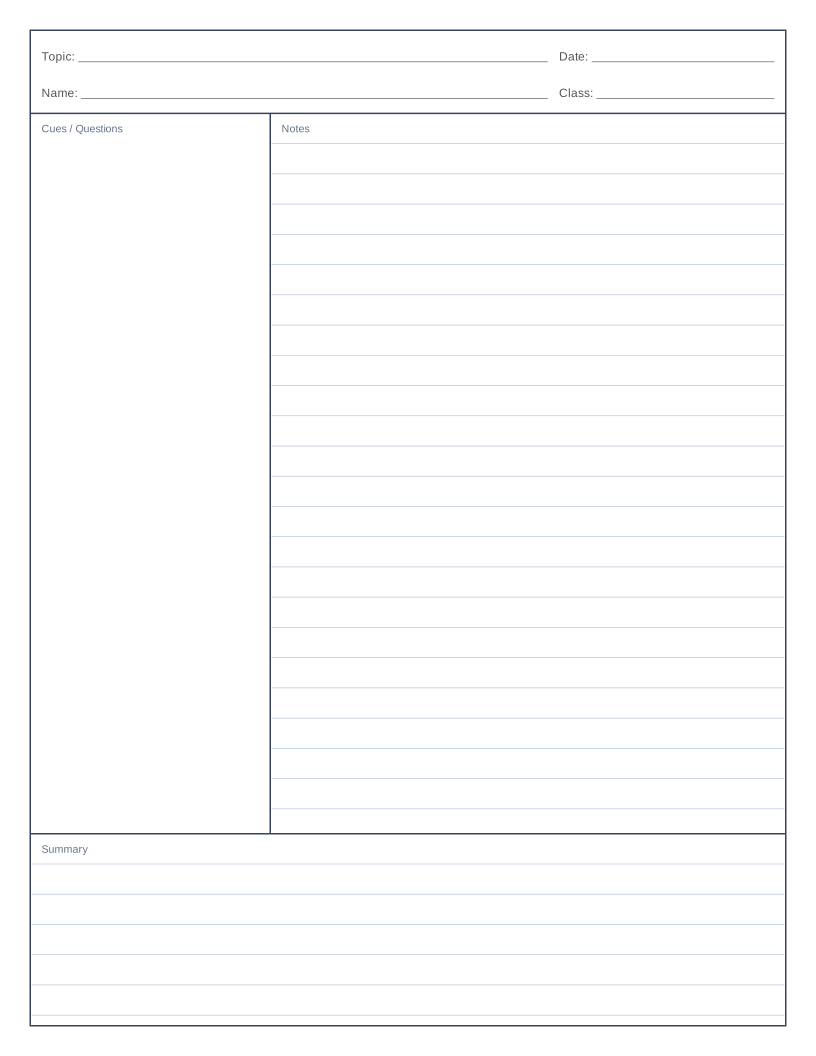 Cornell notesCue column, notes area and summary box for study notes.
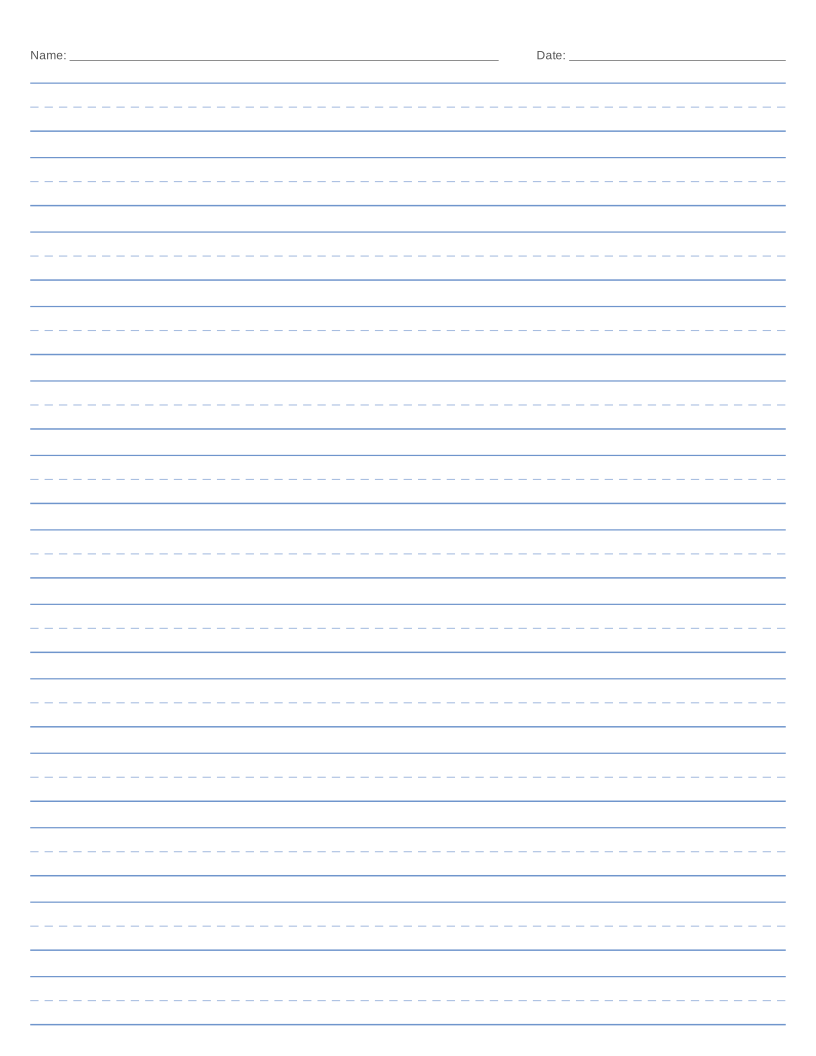 Handwriting paperPrimary three-line practice paper with a dashed midline.
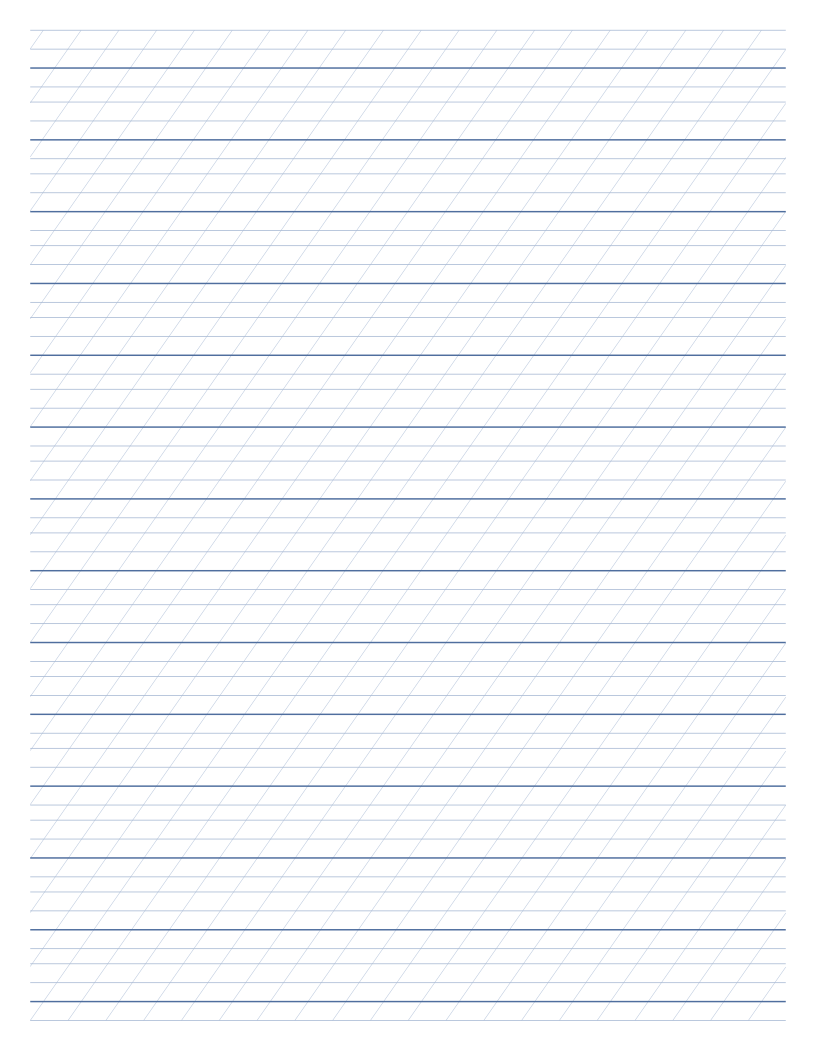 Calligraphy paperGuide lines and slant angles for italic, copperplate and more.
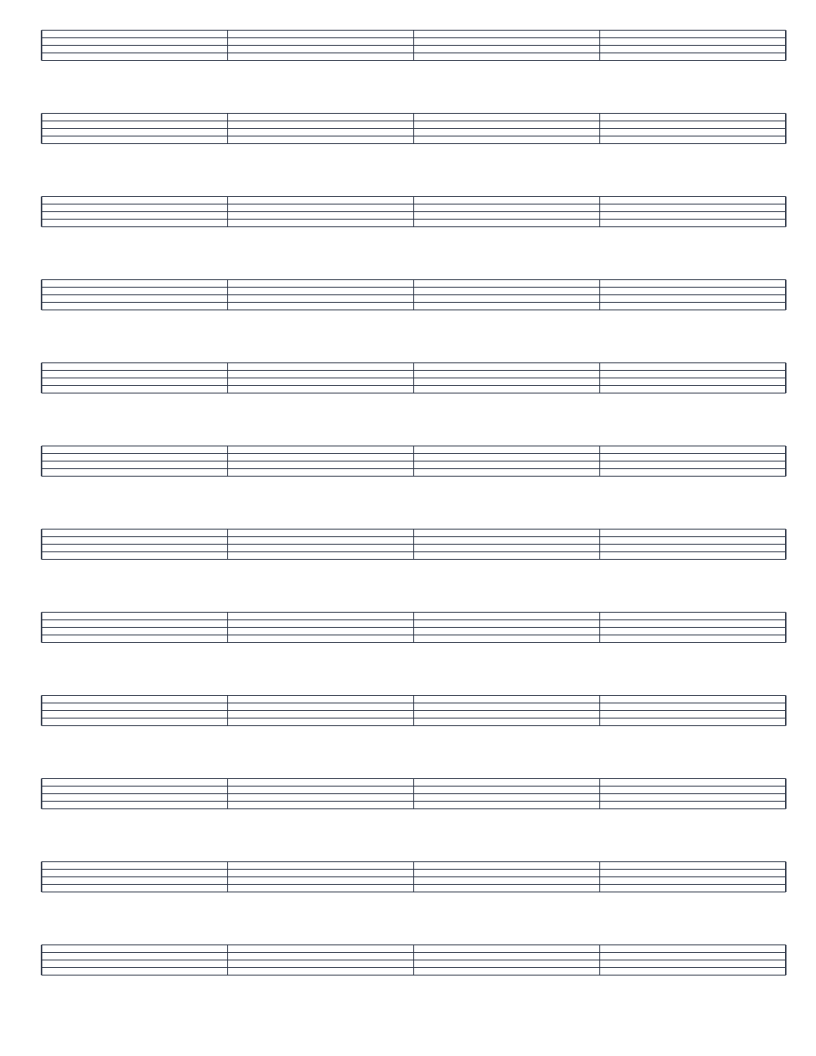 Music staff paperBlank staves, piano grand staff and guitar tab.
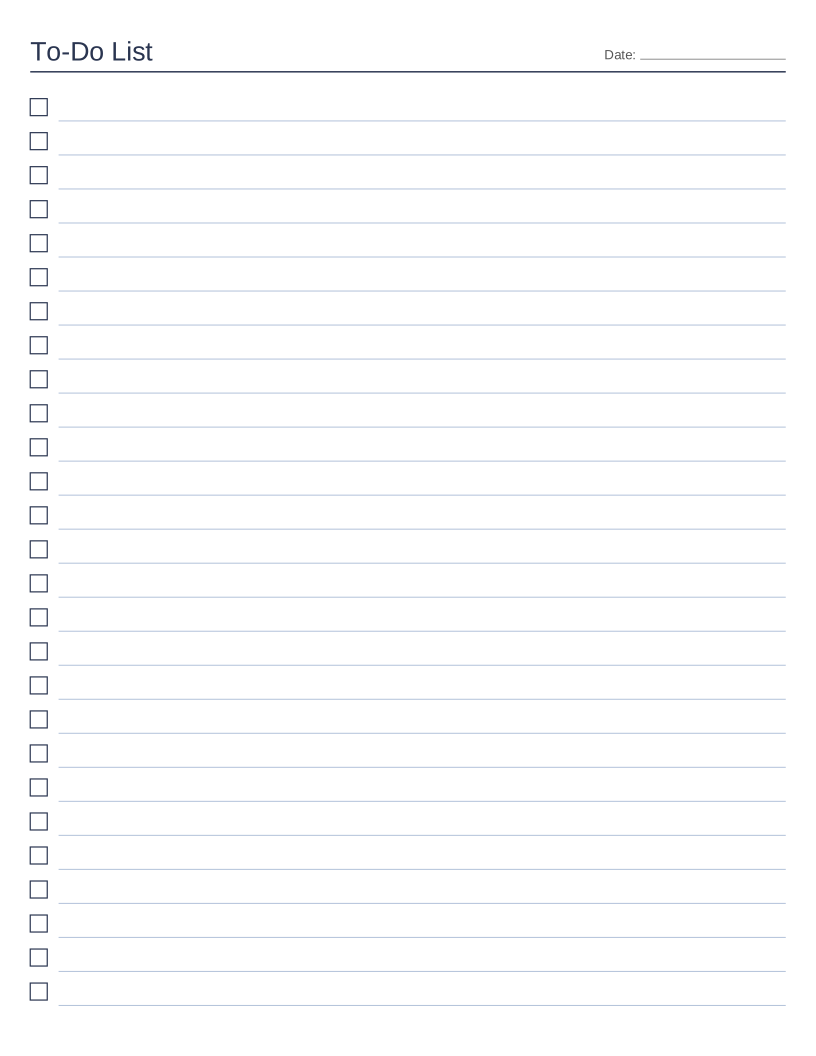 Printable checklistTo-do, shopping and packing lists with checkboxes.
From blank page to printed sheet in three steps
Choose a paper
Open lined, graph, dot grid, isometric, hexagon, Cornell, handwriting, calligraphy, music or checklist paper.
Adjust the options
Pick the paper size and spacing, set colours and margins, and watch the preview update as you type.
Print or download
Print directly or save a PDF, PNG or SVG. Use 100% scale for true-size lines.
Popular papers, one click away
Each link opens the generator with that preset already applied. You can still change anything.
- Wide ruled paper8.7 mm lines
- College ruled paper7.1 mm lines
- Narrow ruled paper6.35 mm lines
- Legal pad paperyellow, double margin
- 1/4 inch graph paperinch blocks
- 1 cm graph papermetric
- 5 mm graph papermetric
- Coordinate planeaxes and numbers
- 5 mm dot gridbullet journal
- Isometric dot paper3D sketching
- Kindergarten handwriting paper19 mm rows
- Cornell notesclassic layout
- Piano staff papergrand staff
- Guitar tab papersix lines
- Shopping listtwo columns
Built for paper that prints right
True size
Spacing is set in millimetres or inches, so a 1 cm grid really is 1 cm.
Sharp vector output
PDF and SVG files keep every line crisp, from A6 notebooks to A3 posters.
Private by design
Your paper is drawn in your browser. Nothing you type is uploaded.
Ready-made PDFs
Every preset also has a pre-made Letter and A4 PDF if you just want to print.
Guides
Short, practical explanations for choosing and using each kind of paper.
- How to Print Your Own Paper at Home
Scaling, margins, paper weight and ink: how to get sheets that print at true size.
- Paper Sizes Explained: Letter, A4, A5, Legal and More
Letter vs A4 and the other sizes, with exact dimensions and where each is used.
- Graph Paper Sizes Explained: What 1/4 Inch, 1 cm and 5 mm Are For
Which grid size suits maths, sketches, pixel art and technical drawing.
- Wide Ruled vs College Ruled vs Narrow Ruled Paper
Line spacing for each ruling and which one fits your handwriting.
- How to Take Cornell Notes, Step by Step
Set up the page, fill in the cues and summary, and review with the five Rs.
- Handwriting Practice for Kids: Choosing Paper and Building a Routine
Which line height to start with and how to build a short daily routine.
Questions
Is FreePrintablePaper really free?
Yes. Every generator and every download is free, with no account, watermark or email wall. The site may show ads to cover its running costs.
Do I need to sign up or install anything?
No. The paper generators run in your web browser on any modern phone, tablet or computer.
Which paper sizes can I print?
US Letter, A4, A5, A6, Half Letter, US Legal, Tabloid and A3, each in portrait or landscape.
How do I print at the exact size?
In the print dialog, choose Actual size or 100% and avoid Fit to page. Then a 1 cm grid measures exactly 1 cm. The printing guide explains every setting.
Are my settings or files uploaded anywhere?
No. Your paper is drawn in your own browser, and your options are saved only on your own device so the page remembers them next time.